Graphic overlays
Never quite on brand.
You can buy overlay packs, but every one has to be designed or re-customised to fit your brand kit. And when anything changes, you rebuild it again.
Broadcast-style graphics, immersive presentations and audience interaction. All from your own brand kit. One show, every screen.
You know your stuff. The presentation tools never quite cut it.
You want every session, webinar and live stream to feel like one cohesive experience: your look, your words, your show.
But getting there takes a stack of different tools. Graphics in one app, slides in another, polls in a third, your notes and a prompter somewhere else. And every new tool you bring in opens another crack in that cohesion.
Each one solves one piece of it. Nothing controls all of it.
You can buy overlay packs, but every one has to be designed or re-customised to fit your brand kit. And when anything changes, you rebuild it again.
Their live video features can do impressive things. But every new deck takes work and design expertise to build, and when you run it, it only ever runs in one format.
They've all started to look the same, and they lean on text. They don't give you the animations and builds to put each point on screen the moment you make it, and they're hard to change.
The interfaces are often clumsy, a poll on YouTube doesn't fire in Zoom, and they rarely give you the flexibility to work with your own brand kit.
Speaker notes in one window, a prompter app for your intro in another, and no easy way to see what's next without looking away from the lens.
A selection of tools, none of which quite does the job. Clicking between windows mid-show while trying to remember your next point.
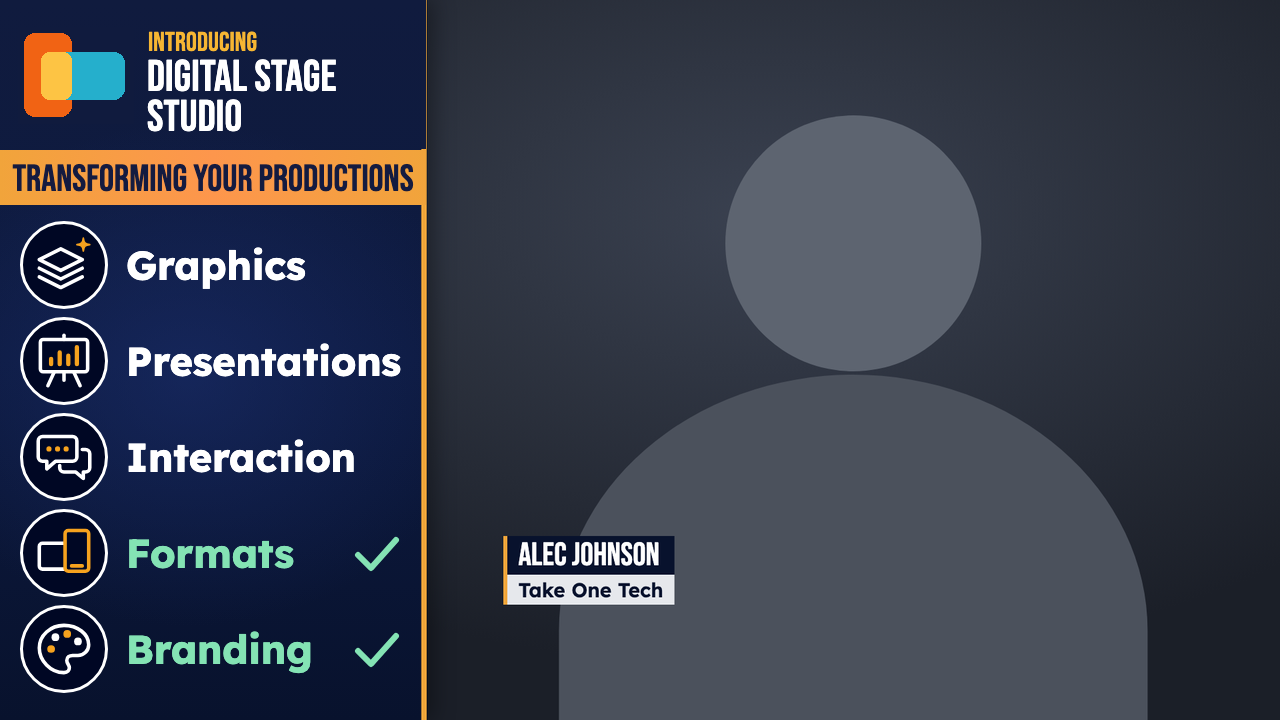
Overlays for any stream. Immersive presentations. An audience that takes part. One brand kit runs all of it.
 Standard
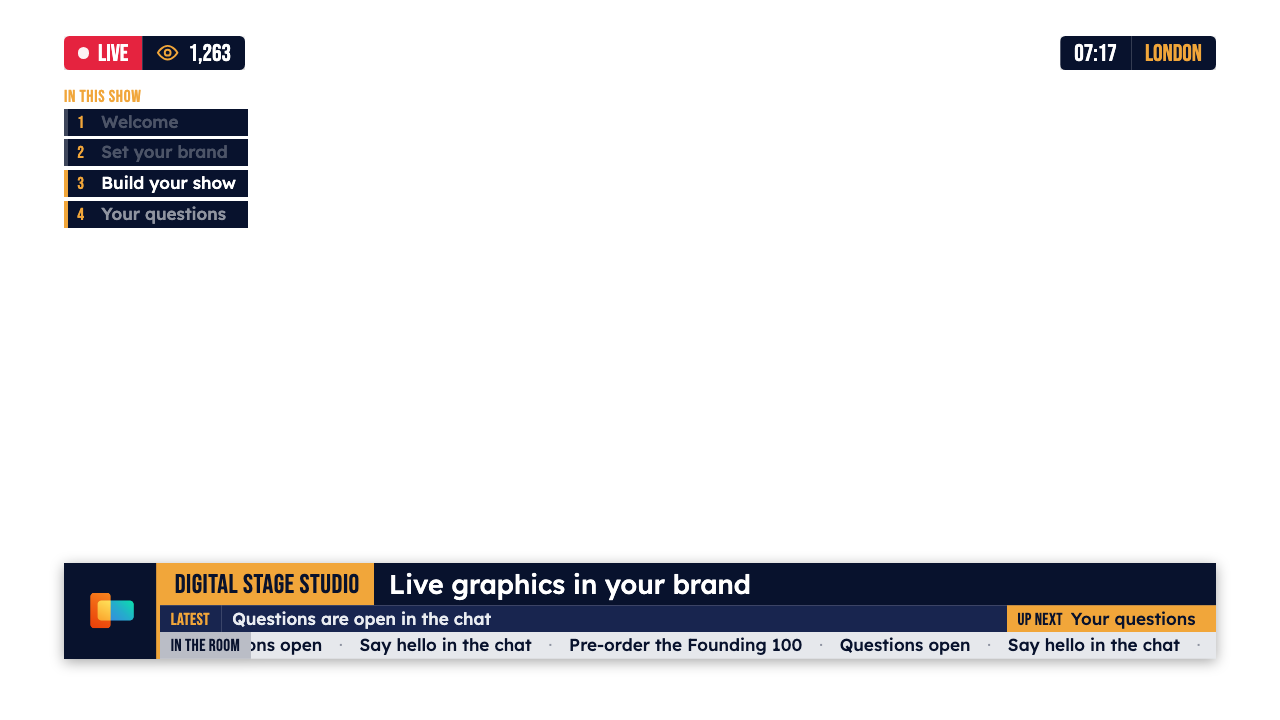
Over 1,000 broadcast-style live graphics for any stream or recording, from simple animated lower thirds and calls to action to a full news package.
 Pro
Slides you stand inside, not beside. And unlike Keynote, never locked to one format: the same presentation runs horizontal and vertical at once, so it's ready to repurpose the moment you finish.
Turn watchers into participants, on whichever platform they're watching. Polls, quizzes and questions in your branding, not a third-party template.
Every one of them animated, every one of them yours the moment you add your words. Save it to My graphics and fire it whenever you like.
 Starting soon
Style families, five colour roles, your fonts and your logo. Change them once and every lower third, slide, ticker, poll and countdown changes with them.
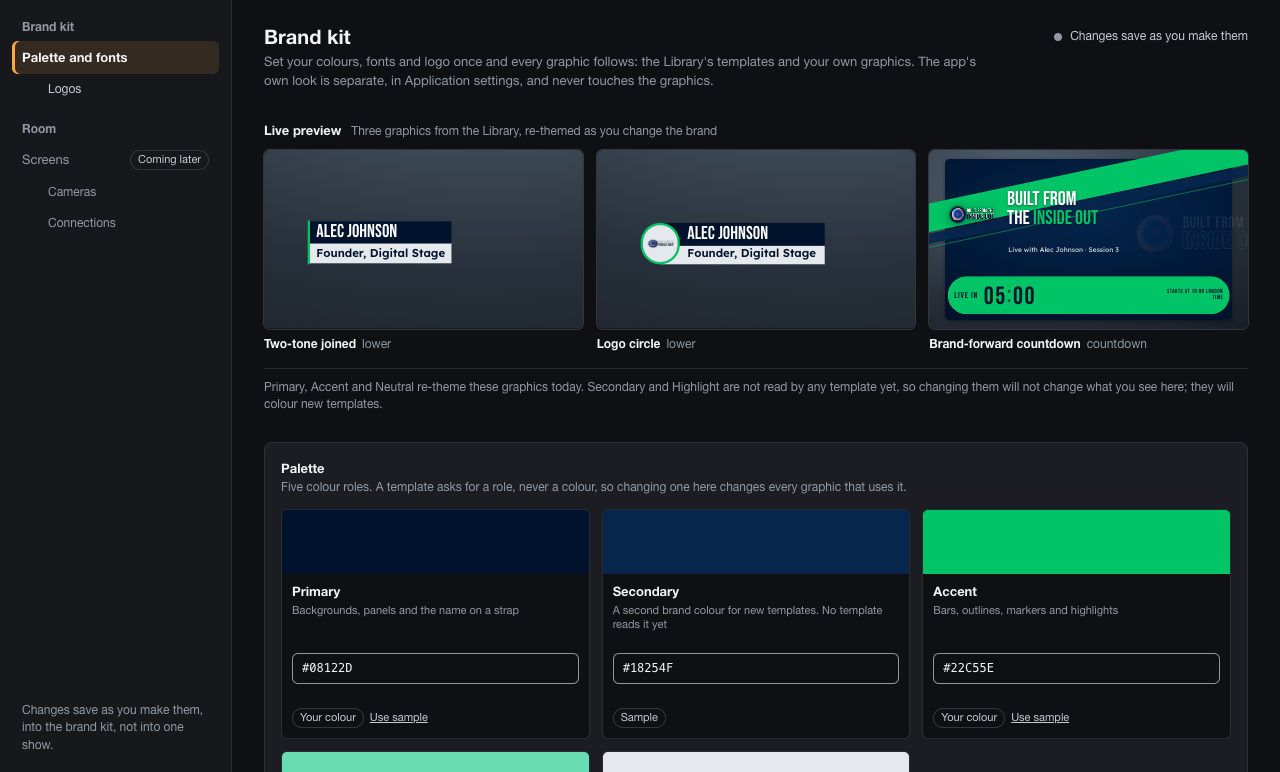
Your colours, logo and fonts. Once.
Every graphic is already moving, already in your brand.
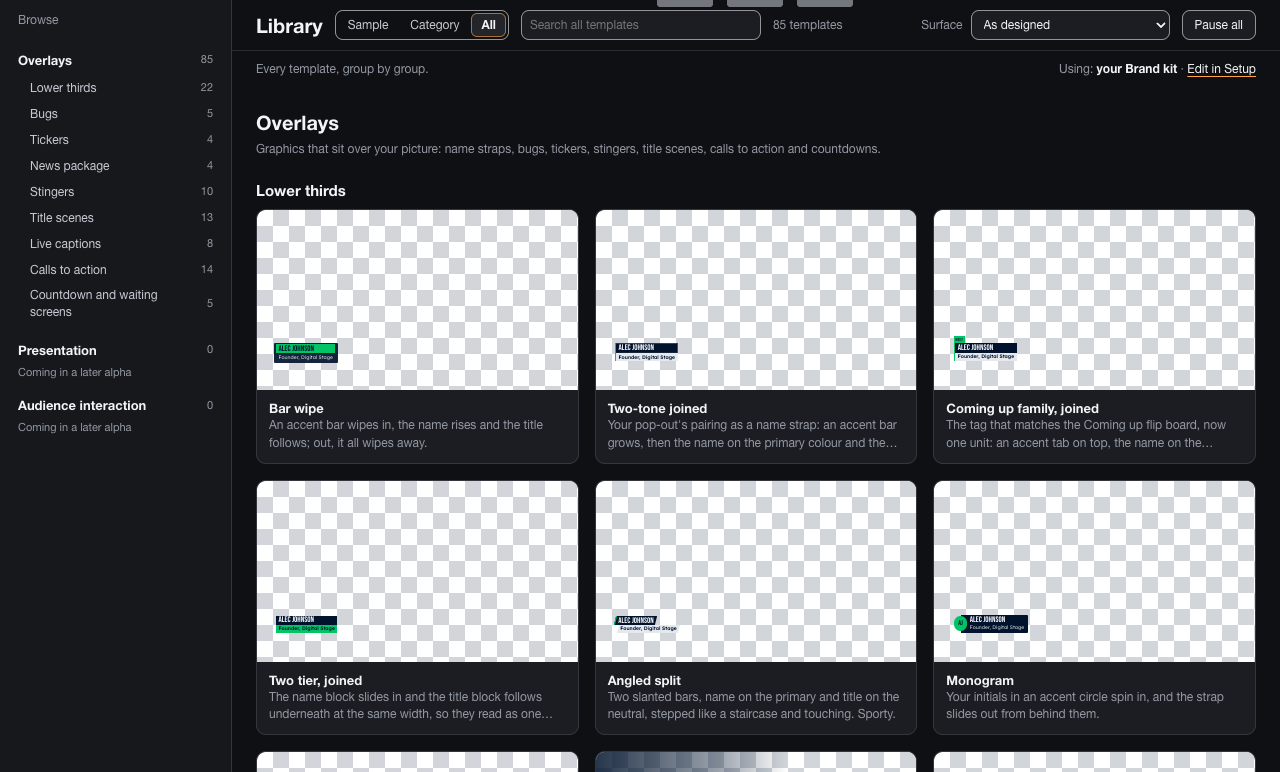
Add your words and save the ones you need for this show.
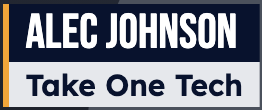

A transparent output into Ecamm, OBS or your switcher. We just add the stage.
Everything in one room. One button.
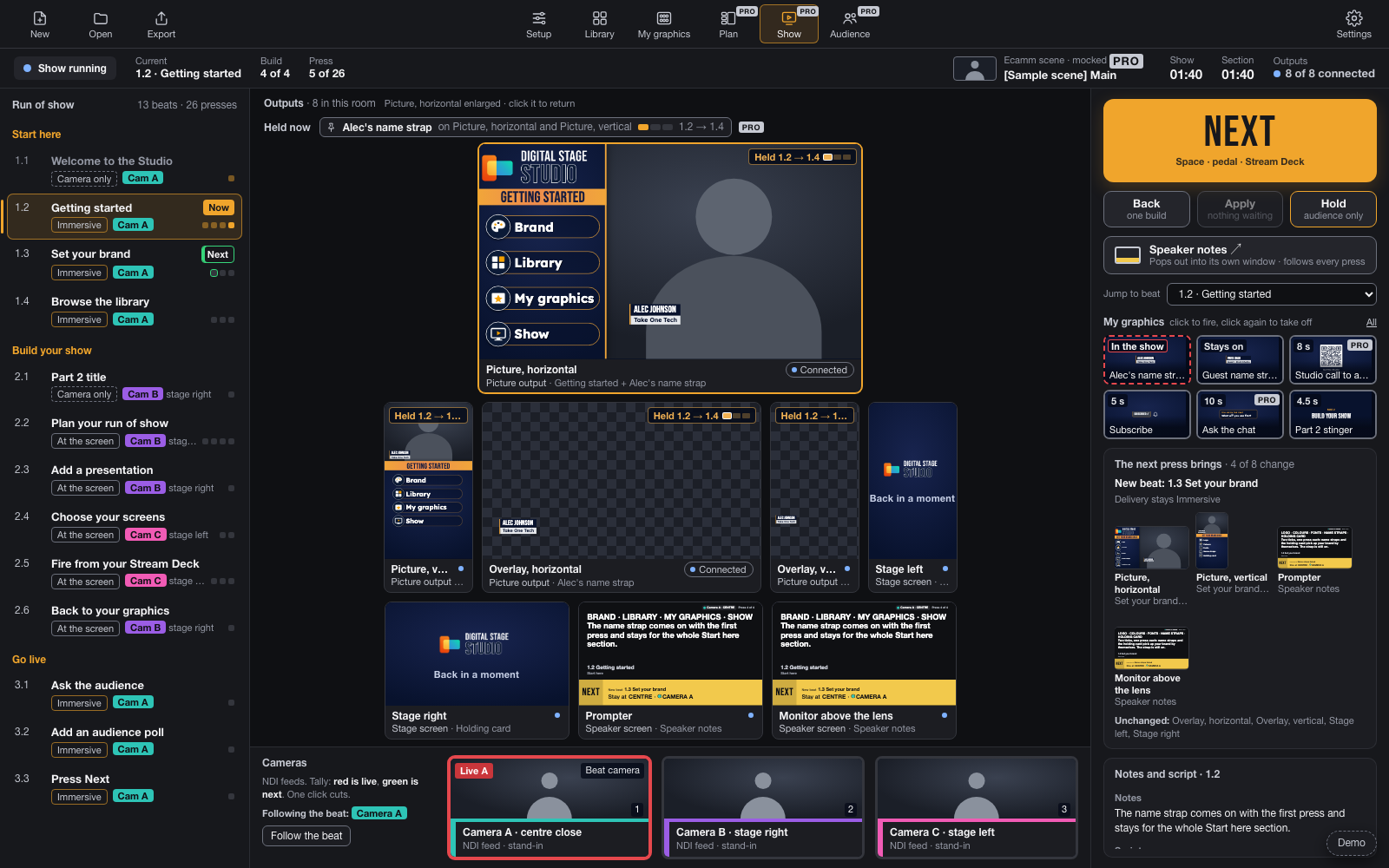
The camera sits inside the slide, so you and your content share the frame. And this isn't presentation software where you design every slide. You choose the words, and Digital Stage Studio builds it for you in your brand, with all the design headache taken out. As you present, it runs horizontal and vertical at once, as part of your live production, not an add-on.
Horizontal for YouTube or Zoom, vertical for Shorts, Reels and TikTok, and even the screen behind you in the room or on stage at your hybrid event. One show drives them all at the same time. Columns become rows on vertical, your name strap stays on you, and nothing is rebuilt.
Each format is its own deck, rebuilt and resized by hand. And you can only present one of them at a time.
Design it once from your brand kit. Every output reflows itself, live, from the same press.
If you already run your shows from a Stream Deck, Digital Stage Studio slots straight in with its own dedicated Stream Deck plugin. Every action has its own button: every graphic, every step in your run of show, every news story. Control it all from your Stream Deck.
No Stream Deck yet? Don't worry. You can control it all from your keyboard too.
Polls, quizzes, prize draws, a question queue and where everyone's watching from. On screen, live, on whichever platform they're on, all in your custom branding and all built into your show.
Live polls, across platforms.
A countdown, then the right answer lights up. With scoring and a leaderboard.
A more engaging way for everyone to share where they're joining from, and for the whole room to see it.
New and engaging ways to pick winners from your streams.
Every question joins a queue as it comes in. You choose which ones go on screen, and when, in your branding.

A real, scannable code inside a call to action in your brand. Designed in seconds, not an ugly default.
Read exactly what the app can see and how to remove its access in the Privacy Policy.
Four different jobs for four different people. Your guests, your co-hosts and your producer, each with exactly what they need, wherever they are.
Control the screens in the background of the shot, wherever they are. A co-host opens a link on the screen behind them and it becomes part of your show: a live feed of your graphics, changing as you press Next. The same goes for the screens behind you.
A co-host somewhere else gets their own presenter screen: the run of show, what's next and the next question. It's their cue sheet.
Private messages between you, your guests, your co-hosts and your producer. They never reach the audience.
A producer in another place runs the show with you: presses Next and Hold, fires graphics, approves viewer questions, runs polls and draws, and watches every output. You just present.
You're not a design expert, and you don't have time to design custom graphics and slides every time you go live.
You don't have to. Set your brand once. Every graphic follows.
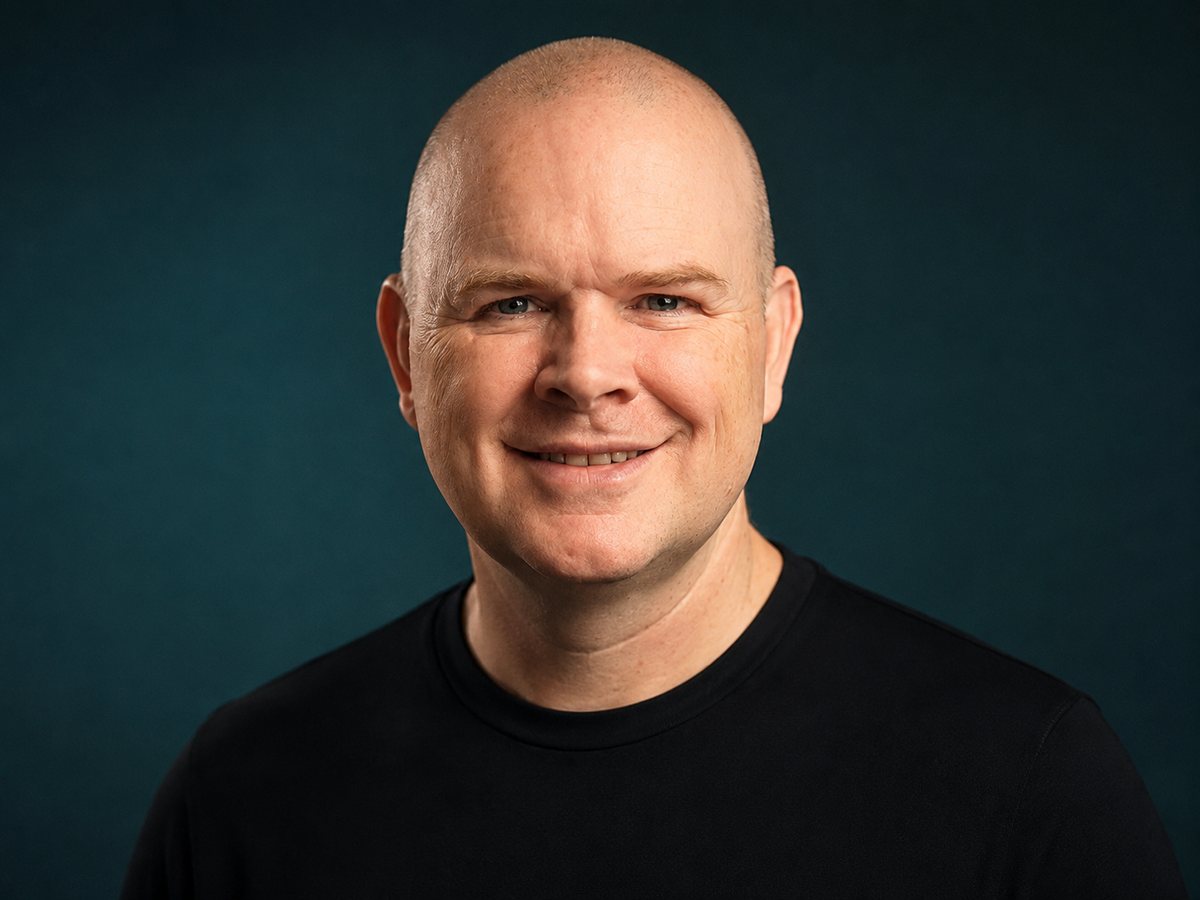
I'm Alec Johnson.
I started Take One Tech over five years ago as a way to practise making videos in one take, with no edits. Record it once, ship it and move on.
That channel became my business, and then the Digital Stage Academy, where I help coaches and course creators look and sound like they mean it on camera. Tens of thousands of people have learnt from me, through my training, my courses, my events and on YouTube, and I've delivered virtual and hybrid events, live webinars and workshops.
The one thing I've always felt is that my videos could have richer on-screen graphics. I've gone out of my way to do all of that live, but it has meant cobbling together a selection of tools and workarounds: Keynote for my immersive presentations, always stuck in one format; animated movie files for every call to action, rebuilt and exported every time I changed something; and audience interaction tools that let me down on flexibility.
So I built the stage I couldn't find.
Launch update, 20 November: All 100 founding places have gone.
Founding 100 beta access opened on Monday 16 November.
Standard and Pro open for beta access on Wednesday 25 November
30% off any plan, for as long as you stay subscribed, for everyone who joins by Friday 4 December.
Overlays. Every live graphic, your brand kit and firing from anywhere.
The whole stage: immersive presentations, your audience and every screen.
Pro for life. Only for the first 100.
All 100 places have gone.
For teams. A package built around your organisation.
Prices in US dollars.
Anything else, just hit reply on any of my emails. I'm listening.
Yes. Digital Stage Studio sends a transparent overlay that sits over your own camera in Ecamm, OBS and vMix. It isn't a browser source. There's also an NDI feed straight from Digital Stage Studio into whichever one you use, which is how your immersive presentations come in. For Zoom, you bring it in directly as a virtual camera.
Yes. It can send your production to them as a transparent overlay, over NDI or over HDMI.
The initial beta will be available on Mac, with Windows to follow shortly after. You can use your licence on either Mac or Windows.
No. It runs on your computer. Once activated, it keeps working for 30 days without checking in, so a dropped connection never stops a show.
One licence covers three computers, Mac or Windows. Your studio machine and your laptop, say, and one more.
Nowhere. Your shows, graphics and brand stay on your computer. The only thing that ever talks to us is your licence check.
Only what your show needs. With YouTube, the app reads your live chat so polls, questions and word clouds can run on screen, and posts only the messages you set up. With Zoom, it's used only in meetings you host. You sign in from the app on your own computer, and nothing from those accounts passes through a server of ours. The Privacy Policy sets out exactly what it can see and how to remove its access.
No. Everything works from the app and your keyboard. A Stream Deck just puts it under your fingers.
Standard is overlays. Pro adds presentations and audience interaction. Standard is $15 a month billed annually or $25 monthly; Pro is $29 a month billed annually or $49 monthly.
Yes. Enterprise gives your team multiple logins, shared templates, single sign-on and a package built around your organisation. Email us for Enterprise pricing.
Lifetime Pro was offered only to the Founding 100: pay once and keep Pro, including all future updates, forever. All 100 places have gone.
Once a month for 12 months, the Founding 100 join me on Zoom to get a first look at new features and to bring me your own feature requests, live. You can ask questions in real time, and the features you ask for get priority.
Yes. If you pre-order, you can ask for a full refund any time before the beta app reaches you, and then for 30 days after you receive it. For any other purchase, it's 30 days from the day you buy. Either way, you do not have to give a reason. The Refund Policy has the details.
Whatever the Founding 100 tell me they need most.
You already know your value.
You've put years into what you deliver.
Now your show can look the part.
Founding 100 beta access opened on 16 November · Standard and Pro open for beta access on 25 November · the priority waitlist hears first
Standard opens for beta access on Wednesday 25 November. Priority waitlist members hear first, and everyone who joins by Friday 4 December gets 30% off for as long as they stay subscribed.